Audience Questions
StageTick's Q&A feature lets audience members submit questions from their phones. You review and moderate them, then push selected questions live to all output screens.
How it works
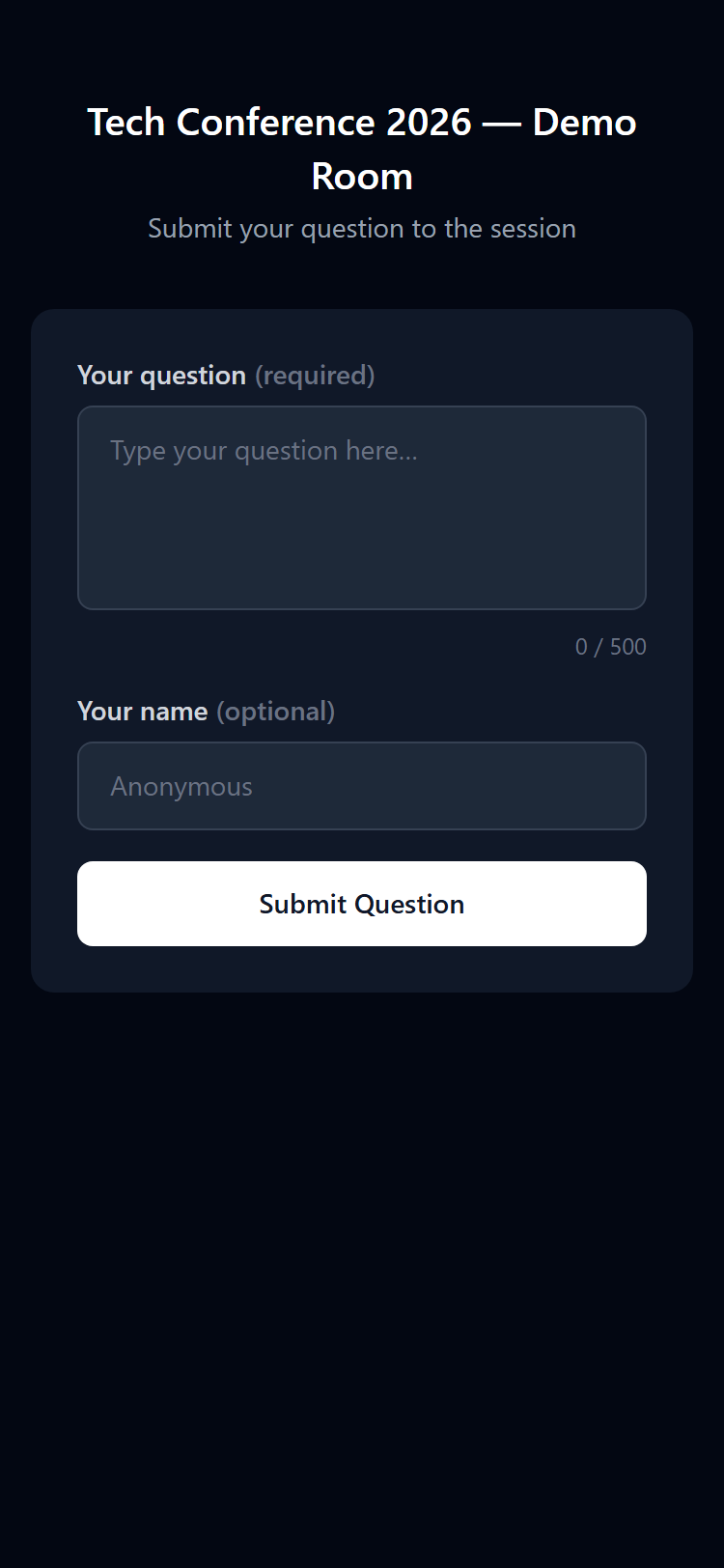
Audience members visit the Ask page for your room to submit questions:
app.stagetick.io/r/:roomId/ask
No login is required. Each submission includes a text field (required) and an optional author name.
Managing questions in the Moderator view
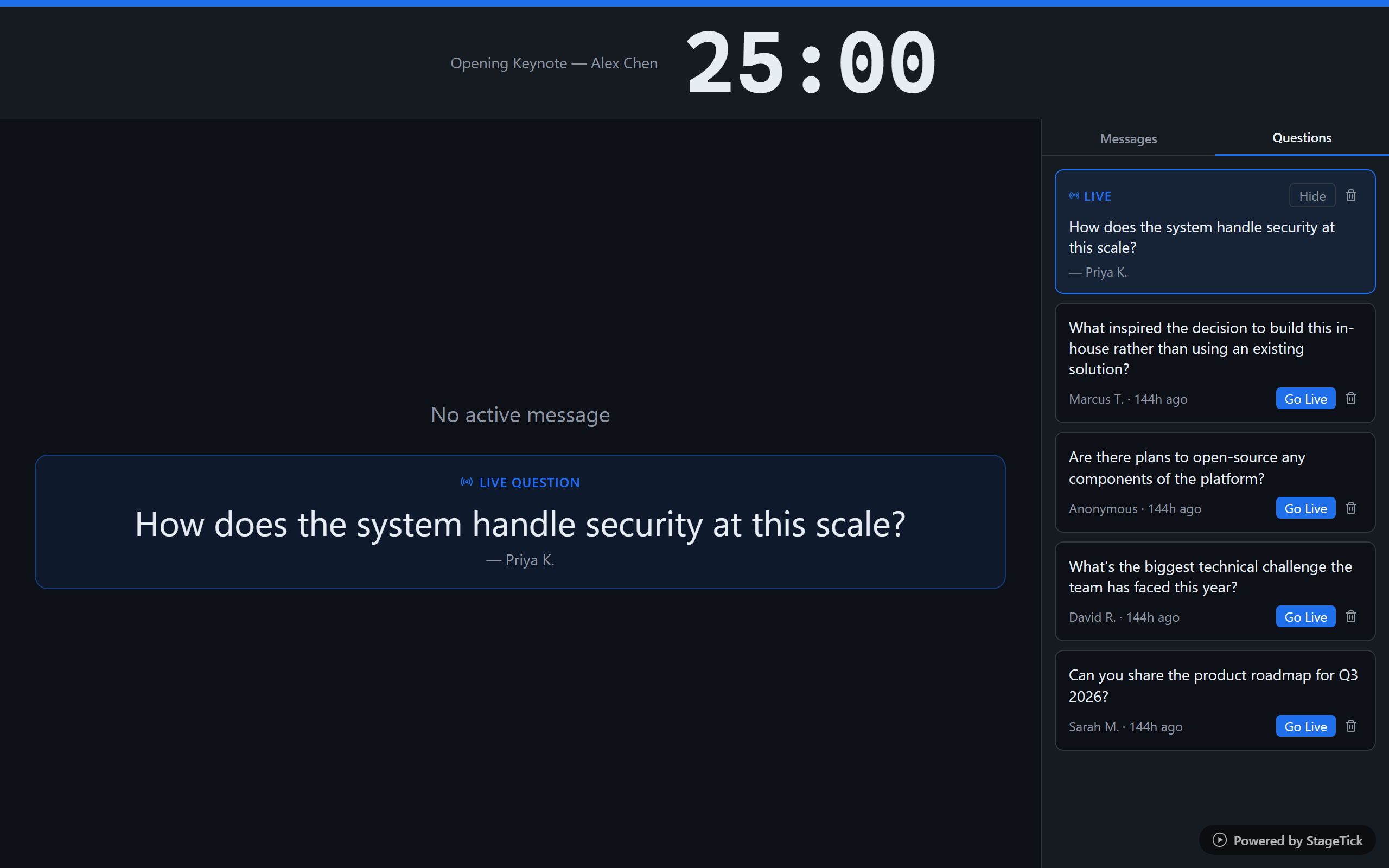
Submitted questions appear in the Moderator view's question queue. From there you can manage each question with three actions:
- Go Live — pushes the question to all output screens. The question text and author name are displayed prominently.
- Hide — removes the question from the output screens but keeps it in the queue so you can show it again later.
- Delete — permanently removes the question from the queue.
Live question display
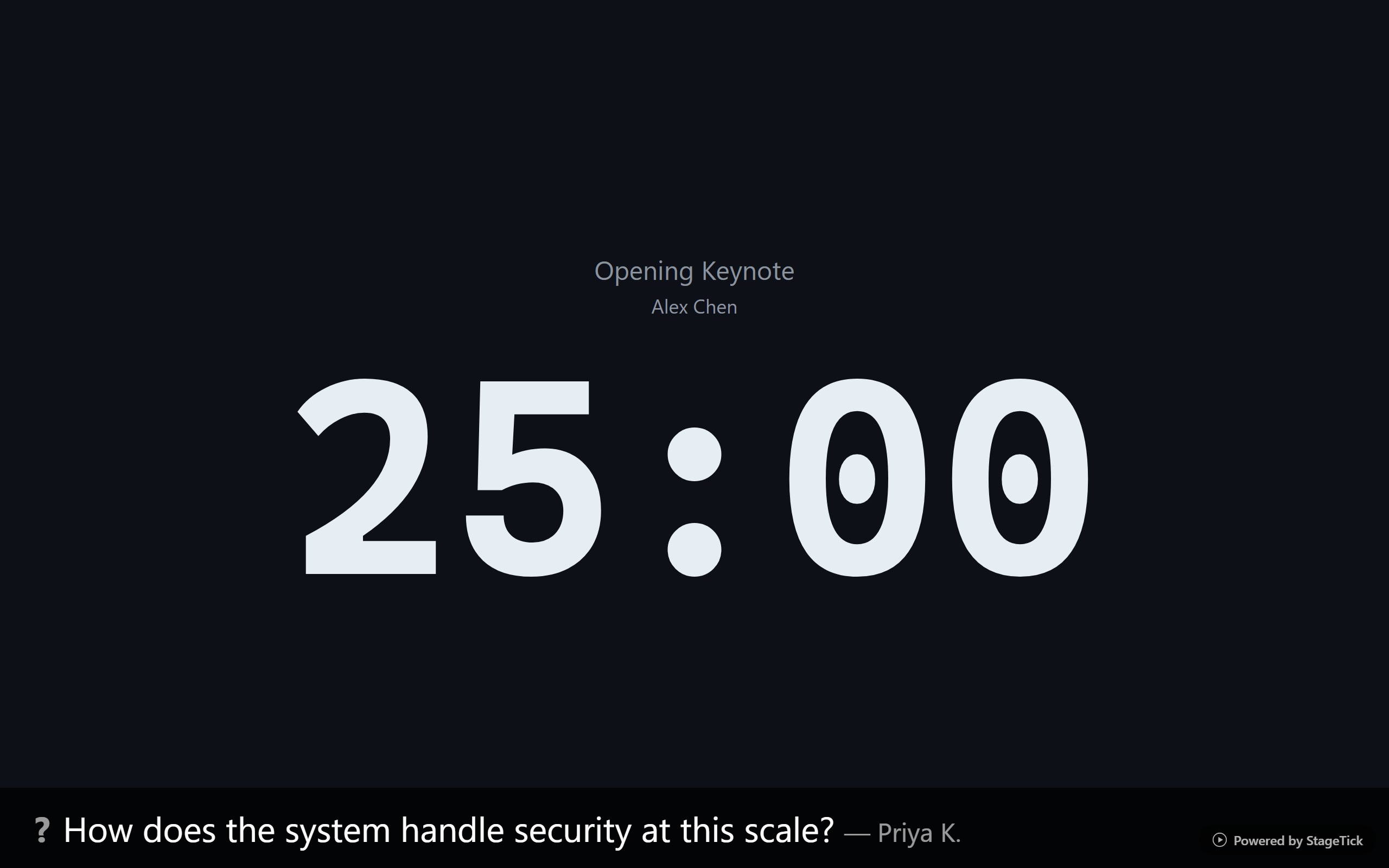
When a question is pushed live, it appears on the Fullscreen and Viewer output views with the question text and author attribution (if provided). Only one question can be live at a time — pushing a new question replaces the current one.
Question limits
| Plan | Questions per room |
|---|---|
| Free | Not available |
| Pro | Unlimited |
Note: Audience Questions is a Pro and Enterprise feature. Free-tier rooms do not have access to Q&A.
Tip: Share the
/ask URL or QR code with your audience before the Q&A segment so they can start submitting questions early.