Features
Everything you need to run a professional show, built into one browser-based tool.
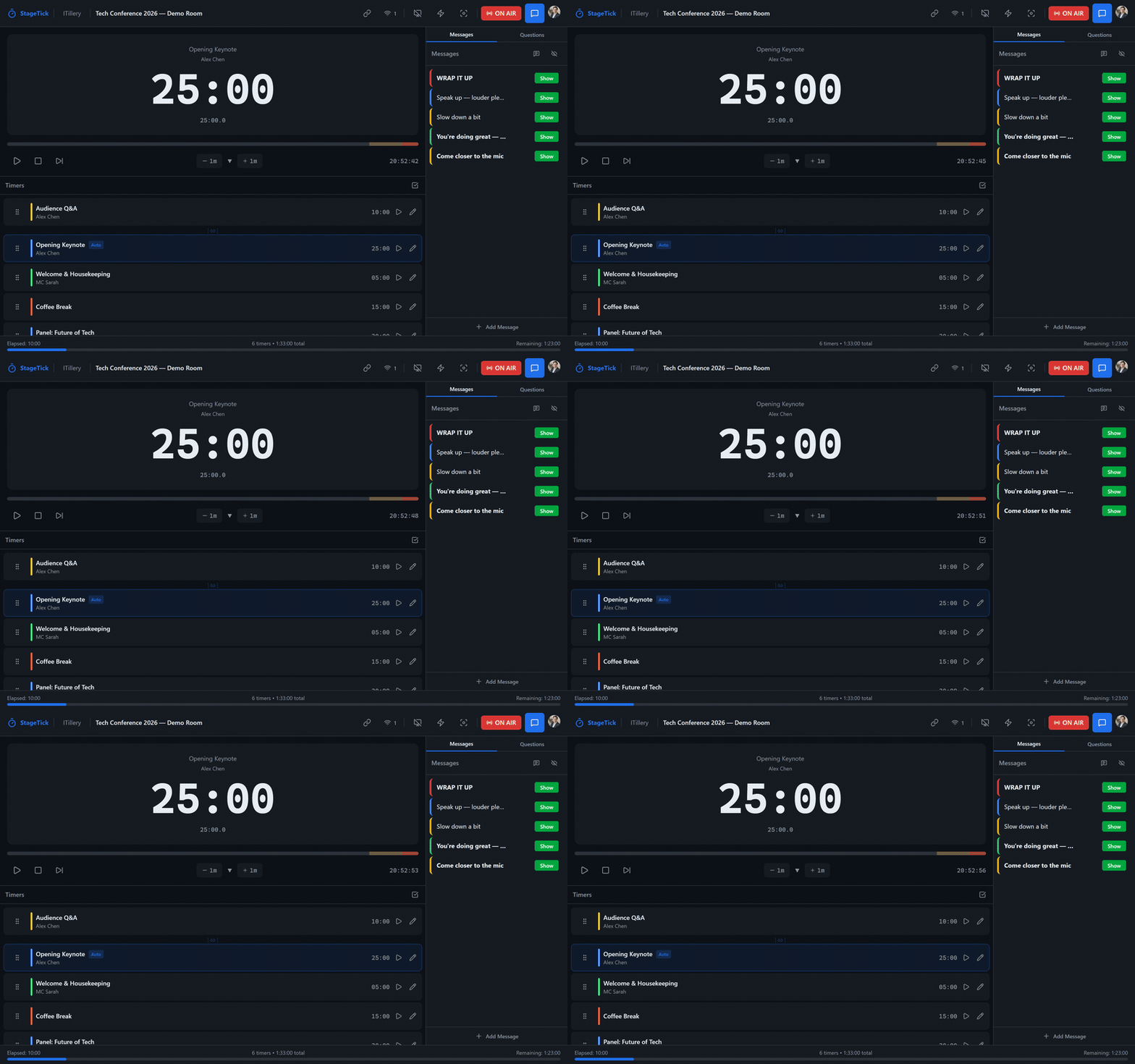
Countdown Timers
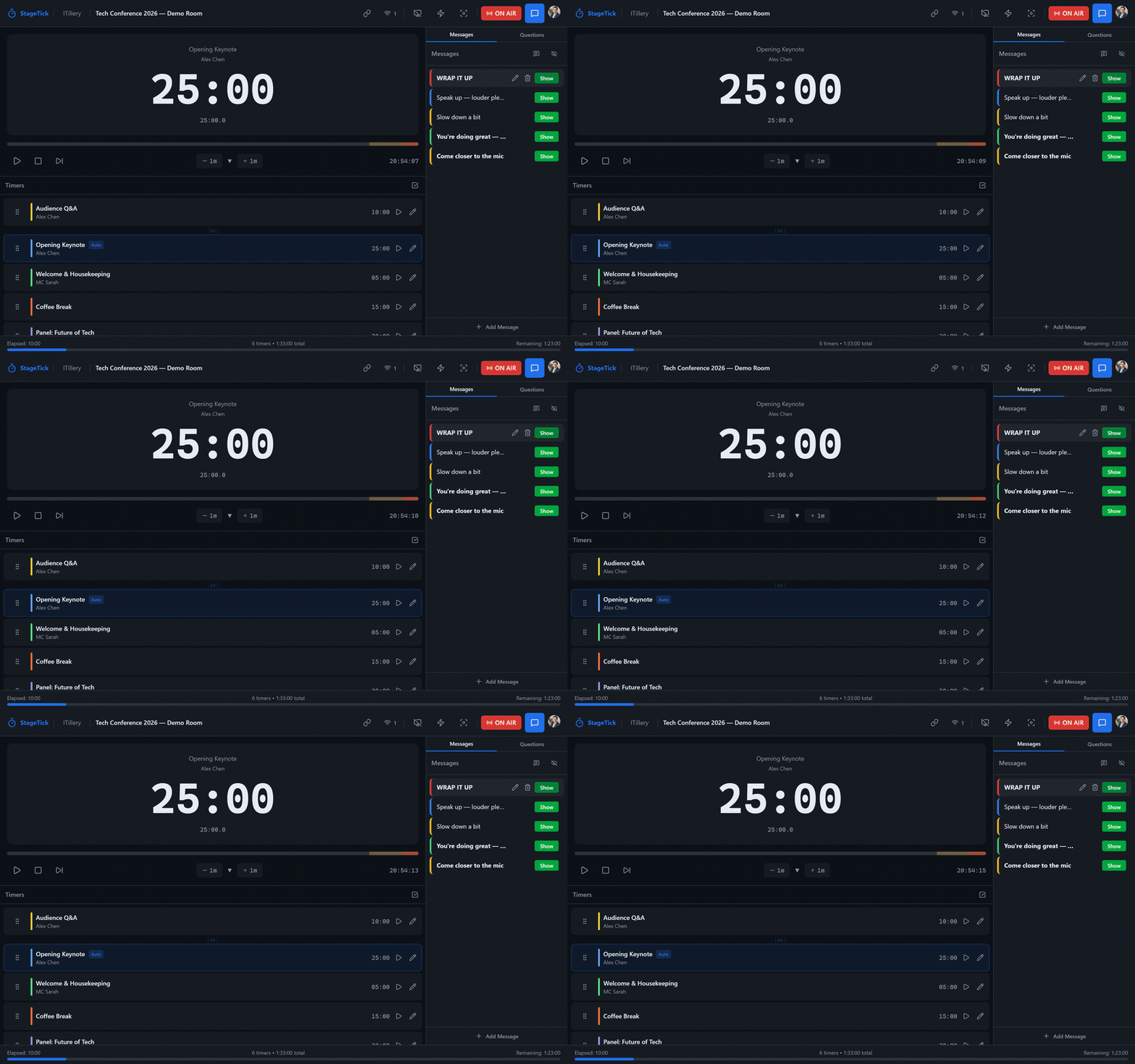
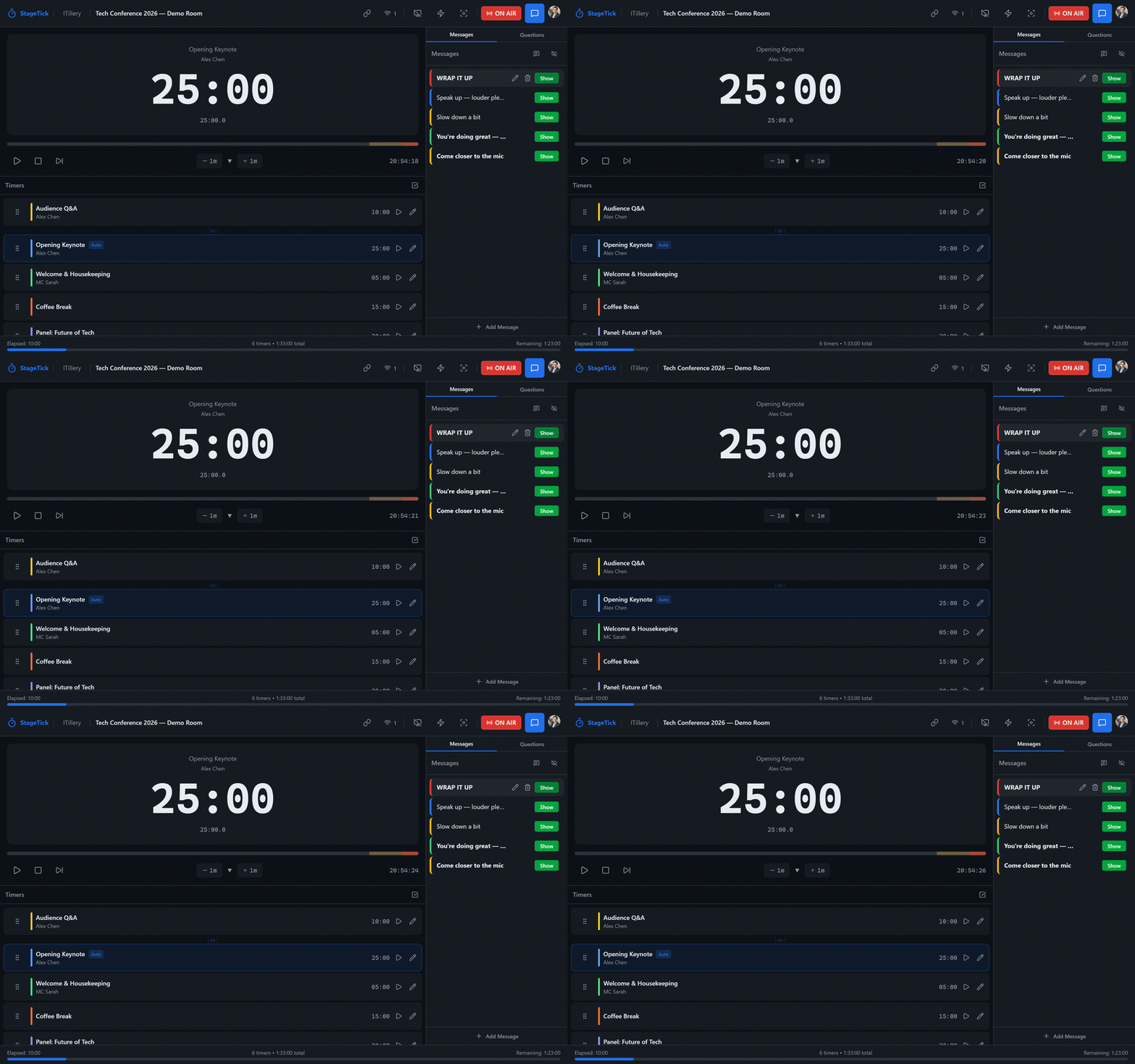
Create multiple countdown timers for each segment of your show. Set durations, labels, warning thresholds, and auto-advance rules. Anchor-based timing ensures zero drift across all connected devices.
- Multiple timers per room with custom durations
- Six display modes: countdown, count up, count up + clock, time of day, hidden, countdown to time
- Configurable time format (hh:mm:ss, mm:ss, verbose, and more)
- Auto-advance to the next timer when one finishes
- Warning colors at configurable thresholds with wrap-up flashing
- Audio cues on phase transitions — 5 sound presets (Beep, Chime, Bell, Pulse, Escalate) per timer, global mute toggle, respects prefers-reduced-motion
- Anchor-based sync — no accumulated drift
Output Views
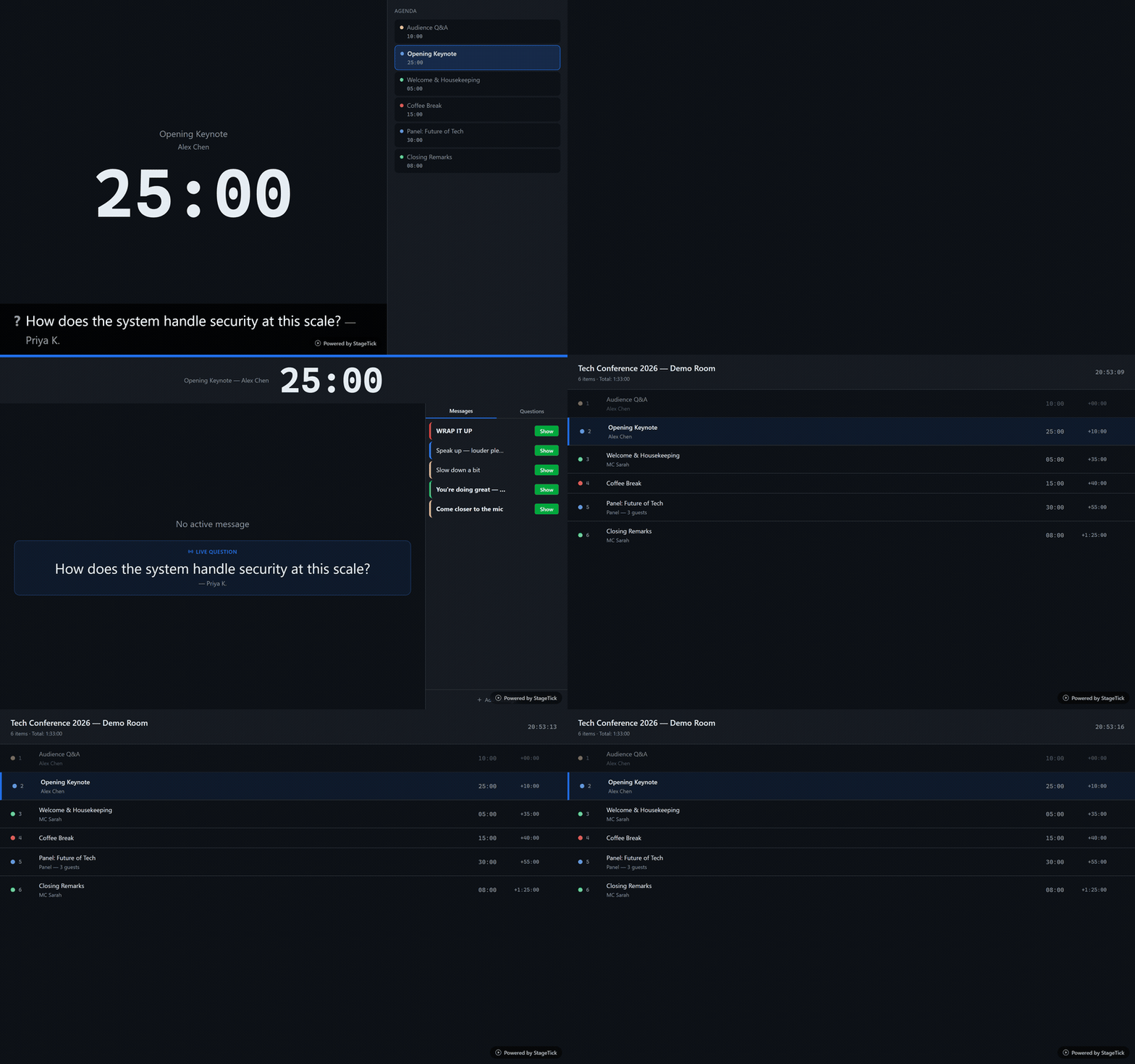
Every team member sees a purpose-built interface. The operator controls the show. The moderator manages Q&A. Viewers see a clean countdown. Fullscreen mode fills any display. The agenda view gives crew a read-only schedule.
- Seven views: Controller, Viewer, Fullscreen, Moderator, Operator, Agenda, Ask
- Focus mode — show only the active message, no timer
- Mirror display for teleprompter rigs (horizontal, vertical, or both)
- Transparent background for OBS/vMix browser source overlays
- Broadcast delay offset (0–3600 seconds)
- Custom device names for easy identification
Real-Time Sync
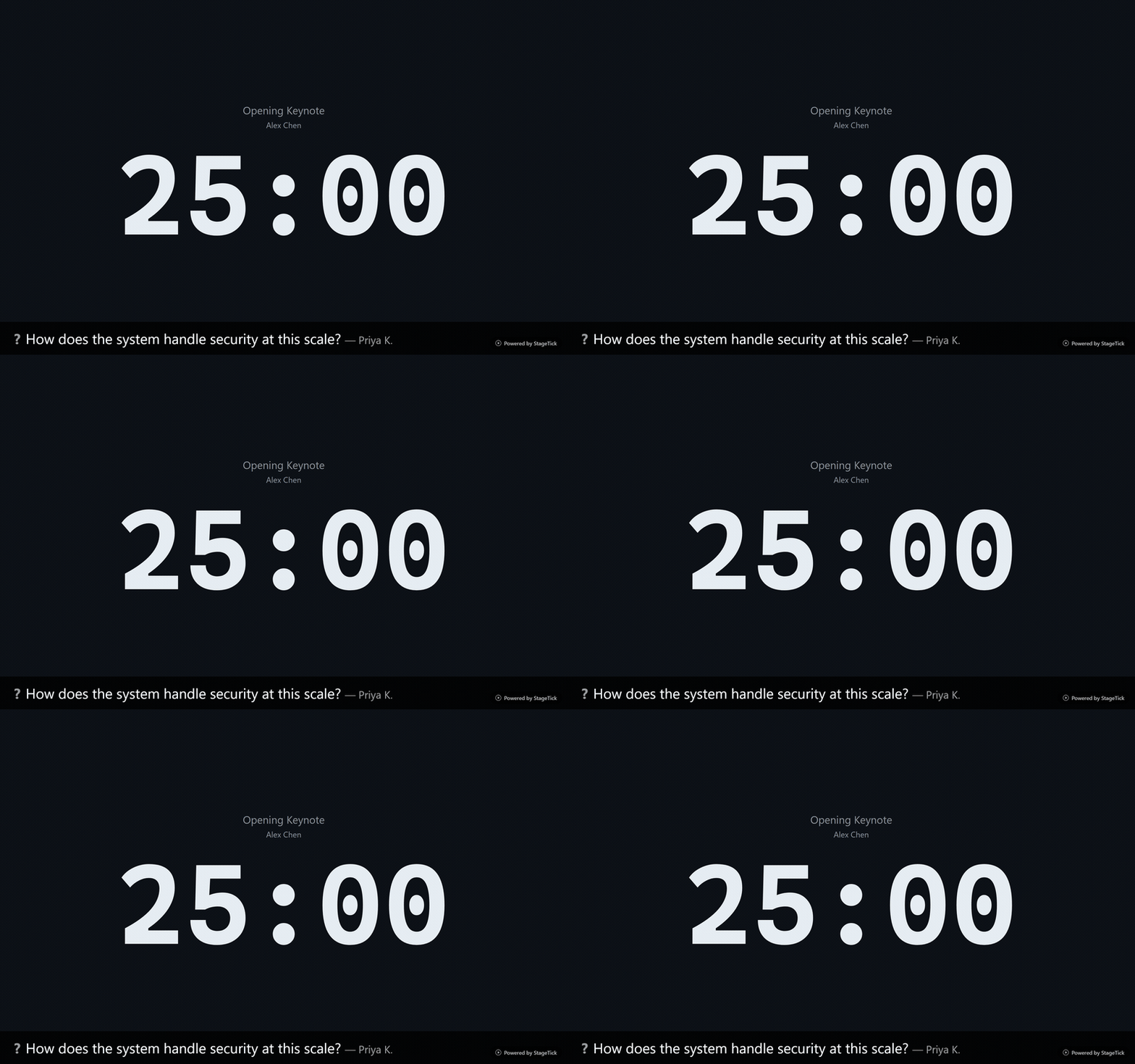
Every action is synchronized across all connected devices in real time via Firebase. Start, pause, reset — everyone sees it instantly. No polling, no refresh needed.
- Sub-second sync via Firestore
- Automatic reconnection after network drops
- Presence detection — know who is connected
- Works across WiFi, cellular, and mixed networks
- No server to manage — fully hosted infrastructure
Q&A System
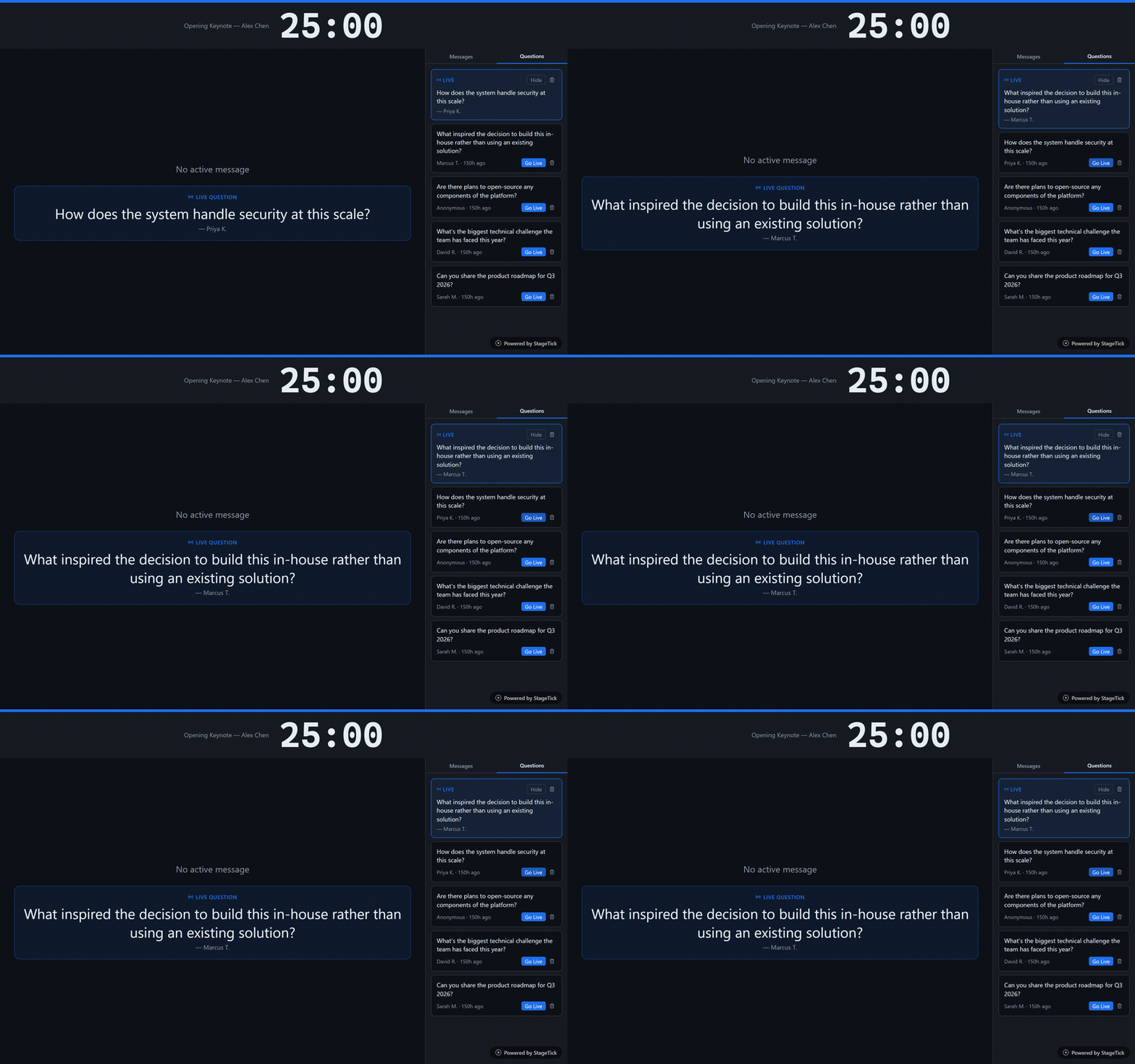
Collect audience questions through a simple web form. Moderators review, approve, and highlight questions. Approved questions appear on stage displays in real time.
- Audience submits questions from any device
- Moderator approval workflow
- Highlight questions on stage displays
- Real-time display on fullscreen output
- No app required for audience members
Cue Messages
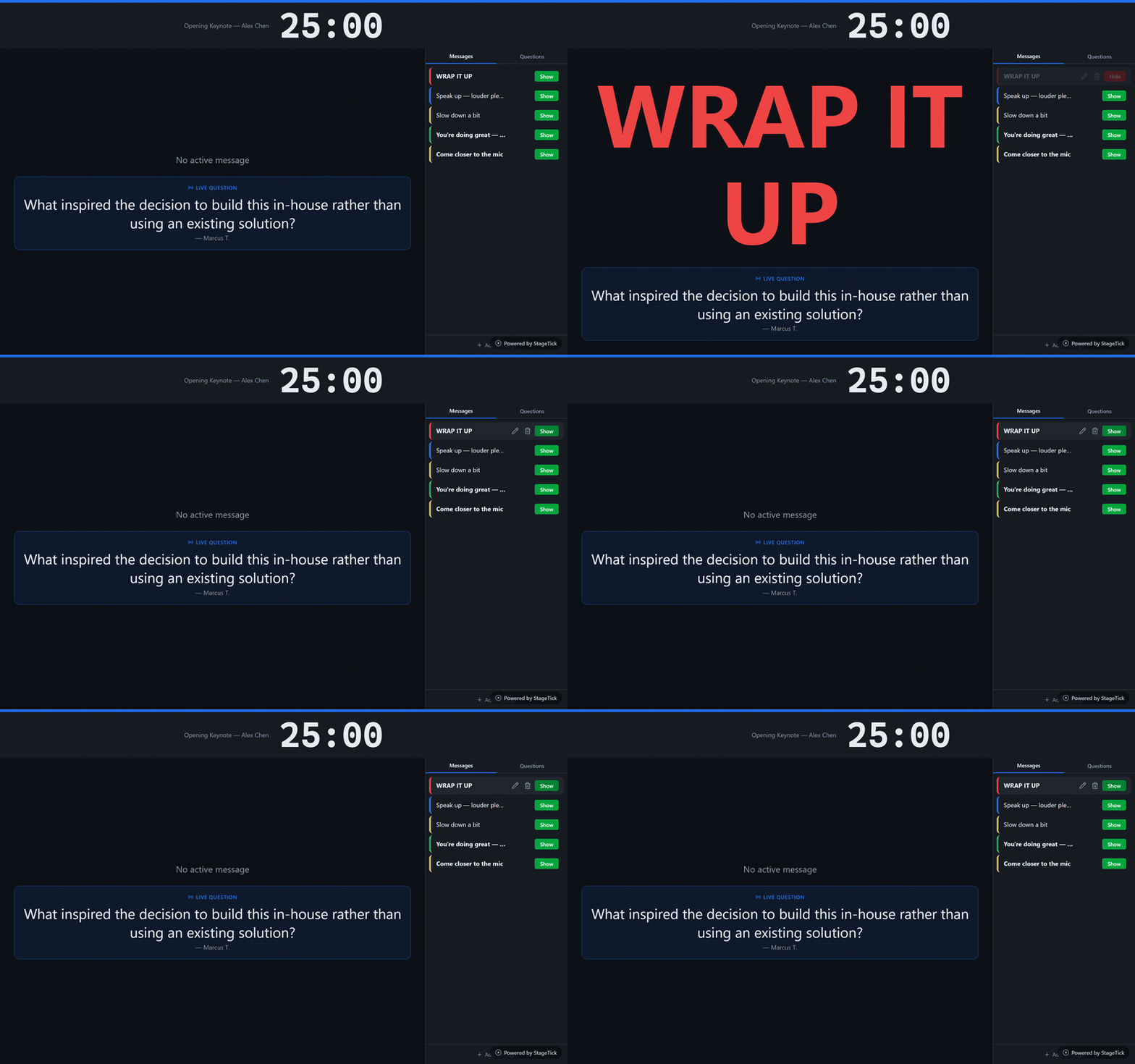
Send instant messages to presenters on stage. Create reusable templates with dynamic placeholders. Messages auto-resize to fill the screen and appear prominently on all output views.
- Dynamic placeholders: $NEXT_TITLE, $CURRENT_SPEAKER, and more
- Auto-resize — short messages fill the screen, long messages shrink to fit
- Five signal colors with bold and uppercase formatting
- Instant delivery across all output views
Team Presence
See every connected device in real time. Name devices, flash screens to locate them in the venue, and remotely reload or disconnect any client.
- Real-time connection tracking with custom device names
- Flash a specific device screen to physically locate it (local-only)
- Remote reload and disconnect commands
- Instant disconnect detection
- Duplicate rooms for recurring events
Import / Export
Import your show rundown from a CSV file to set up timers instantly. Export your configuration for backup, sharing, or reuse across events.
- CSV import for bulk timer creation
- Export full room configuration
- Share rundowns with your team
- Re-use setups across events
- Compatible with spreadsheet applications
Webhooks & API
Connect StageTick to your own tools with webhooks and a REST API. Receive real-time event notifications and access room data programmatically.
- Webhooks for room and timer events — on air, off air, started, finished
- Manage webhooks from Organisation Settings with signing secret verification
- Per-room API keys with read or readwrite scopes
- Create and revoke API keys from the room menu
- Pro: 5 webhooks, 5 API keys/room, 10 API keys/tenant — Enterprise: 20 webhooks, 20 API keys/room, 50 API keys/tenant
Ready to try it?
Create your first room in seconds. No credit card required.