Webinar Timer for Perfectly Timed Online Events
Your webinar speakers are in different time zones, your producer is remote, and your moderator is managing the chat. StageTick keeps everyone on the same clock.
The Challenge with Webinar Timing
Online events lack the physical cues of in-person events. Without shared timing tools, coordination breaks down.
Distributed teams
Speakers, producers, and moderators are often in different locations. Chat messages about timing get buried in the conversation.
No visible countdown
Zoom and Teams don't have built-in speaker timers. Speakers have no idea how much time they have left unless someone tells them.
Q&A timing
Allocating time for audience questions is critical but often squeezed when earlier segments run long.
Attendee drop-off
Webinars that run over lose attendees. People have the next meeting starting. Respecting time keeps your audience engaged.
How StageTick Helps
A shared timer visible to your entire remote production team -- no plugins or installs.
Speakers see their countdown
Each speaker opens the viewer URL in a separate browser tab alongside their Zoom window. A clean countdown keeps them aware of their remaining time.
Producer controls remotely
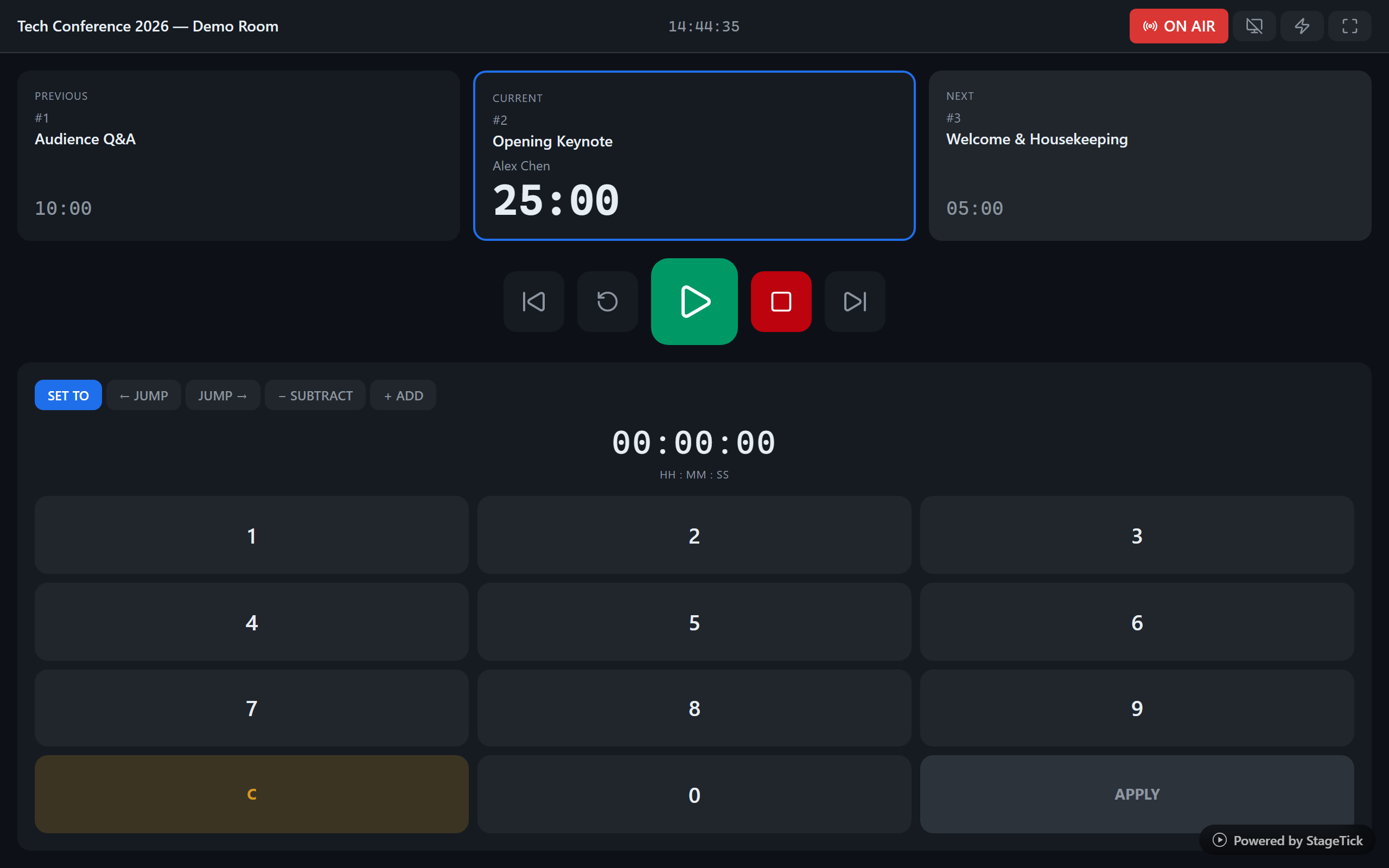
The producer uses the operator view to start, pause, and switch timers. Everyone's countdown updates instantly, regardless of location.
Segment-based scheduling
Set up timers for the intro, each speaker, Q&A, and closing. Auto-advance ensures the webinar flows smoothly even if the producer is multitasking.
Silent cue messages
Send "Please wrap up" to a speaker's screen without interrupting the audience. No awkward chat messages or audio interruptions.
How It Works
Create a webinar room
Sign up and create a room. Add timers for each segment: intro, speakers, Q&A, and closing.
Share with your team
Send the viewer link to speakers and the operator link to your producer. Everyone opens it in a browser tab alongside their video call.
Run your webinar on time
The producer starts the timer. Speakers see their countdown. Cue messages appear when needed. The webinar ends on schedule.
Ready to run your webinar on time?
Set up in seconds. Share a link with your speakers. Done.