Livestream Countdown Timer Your Audience Can See
Show your viewers exactly when you're going live. Use StageTick's fullscreen view as a browser source in OBS, Streamlabs, or any streaming software for professional countdown overlays.
The Challenge with Stream Timing
Livestreamers juggle multiple time-sensitive elements. Without a shared timer, things fall apart fast.
Break timers drift
Built-in OBS timers are static text or basic countdowns. They drift from the actual schedule and can't be controlled remotely.
Multi-person coordination
Co-hosts, producers, and moderators need to see the same countdown. Sharing a screen or shouting times in Discord isn't professional.
Segment transitions
Moving between segments (intro, main content, Q&A, outro) requires manual timer resets. Easy to forget under pressure.
No remote control
When the timer is an OBS plugin, only the person at the streaming PC can control it. Producers on remote can't start, pause, or adjust.
How StageTick Helps
A browser-based timer that works as an OBS source and can be controlled from anywhere.
OBS browser source ready
Add StageTick's fullscreen URL as a browser source in OBS. The clean, dark countdown overlays perfectly on break screens and starting-soon scenes.
Remote control from any device
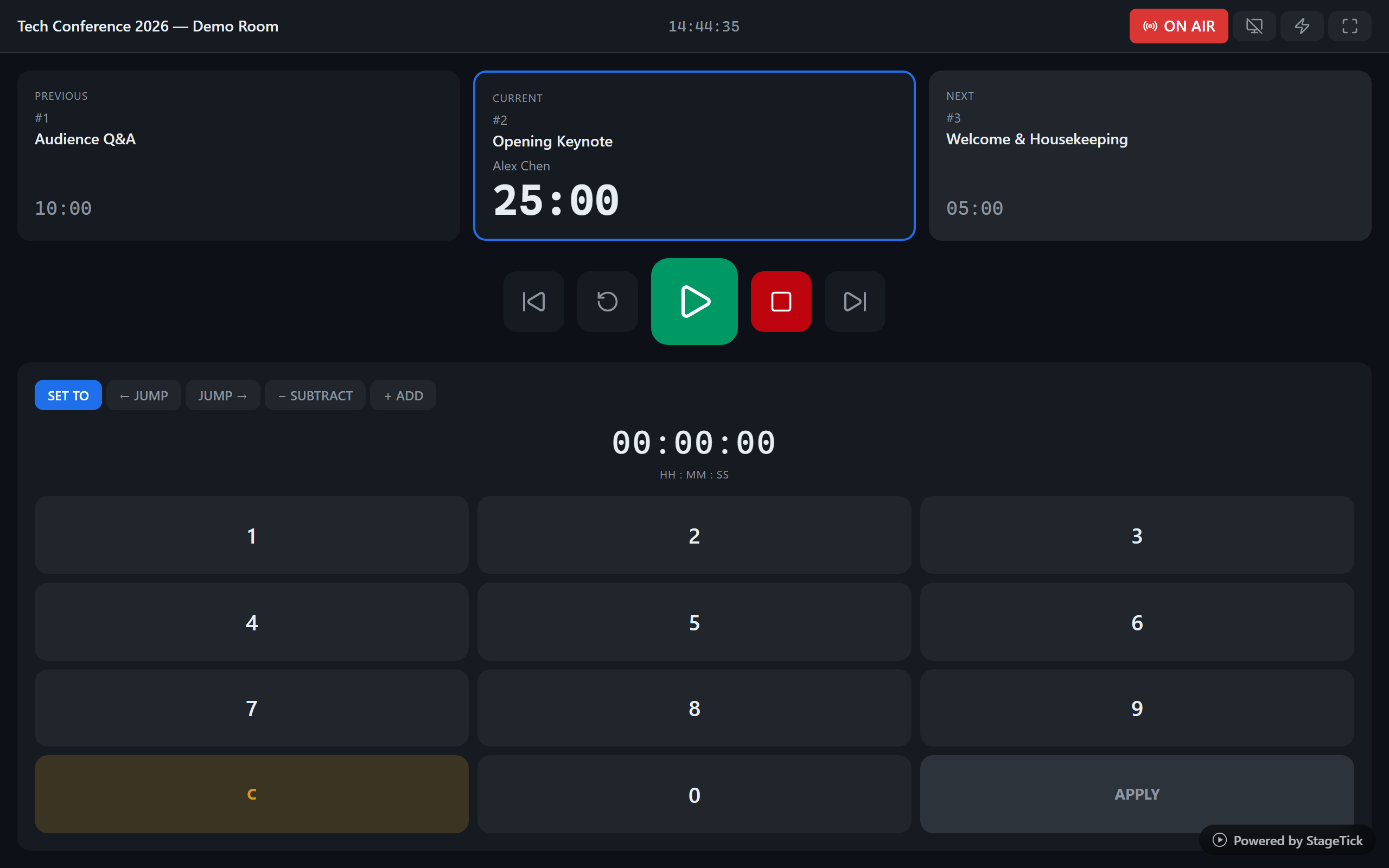
Your producer controls the timer from their laptop. Your co-host sees the countdown on their phone. The OBS source updates in real time -- no manual refresh.
Segment-based timer sets
Create timers for each segment of your stream: pre-show, intro, main content, break, Q&A, outro. Auto-advance through them or trigger manually.
Cue messages on screen
Send "Going live in 30 seconds" or "Wrap up Q&A" as a cue message. It appears on the fullscreen output visible to all connected team members.
How It Works
Create a stream room
Sign up and create a room. Add timers for your stream segments: pre-show countdown, content blocks, and breaks.
Add as OBS browser source
Copy the fullscreen view URL and add it as a browser source in OBS. Size it to your scene layout. The dark background blends perfectly.
Control from anywhere
Open the operator view on your phone or another device. Start, pause, and switch timers remotely. The OBS source updates in real time.
Ready to level up your stream production?
Add a professional countdown to your stream in under a minute. Free forever.