Award Ceremony Timer for Flawless Event Flow
Award ceremonies are high-stakes, multi-segment productions. StageTick keeps acceptance speeches timed, transitions tight, and your entire crew on the same countdown.
The Challenge with Ceremony Timing
Award shows have dozens of segments and unpredictable speech lengths. Without tight timing, the show runs hours over.
Speeches run long
Winners get emotional and talk well past their allotted time. Every overtime speech pushes the entire ceremony further behind schedule.
Many short segments
Award ceremonies have dozens of categories, each with a presenter, announcement, walk-up, speech, and walk-off. Managing each timer manually is overwhelming.
Large production crew
Stage managers, lighting, audio, video, teleprompter operators, and hosts all need to know how much time remains in the current segment.
Live broadcast pressure
If the ceremony is broadcast live, there are hard time slots to hit. Going over means cutting segments or paying for extra airtime.
How StageTick Helps
Keep every award segment on time with visible countdowns and crew-wide synchronization.
Speech timer at the podium
Place a screen at the base of the podium showing the countdown. Winners see exactly how much time they have. Warning colors turn red as time runs out.
Full ceremony rundown
Program every segment: presenter intro, winner announcement, acceptance speech, musical performance, commercial break. Import the full rundown from CSV.
"Please wrap up" cues
Send a polite "Please wrap up" or "Orchestra ready" cue to the podium screen. More elegant than playing someone off mid-sentence.
Crew-wide visibility
Every crew member sees the same countdown on their device. The stage manager, lighting operator, and director all know exactly when the segment changes.
How It Works
Create your ceremony room
Sign up and create a room. Import your full ceremony rundown from CSV or add timers for each segment manually.
Configure segments and cues
Set speech durations, warning thresholds, and prepare cue messages. Label each timer by award category for easy navigation.
Deploy across the venue
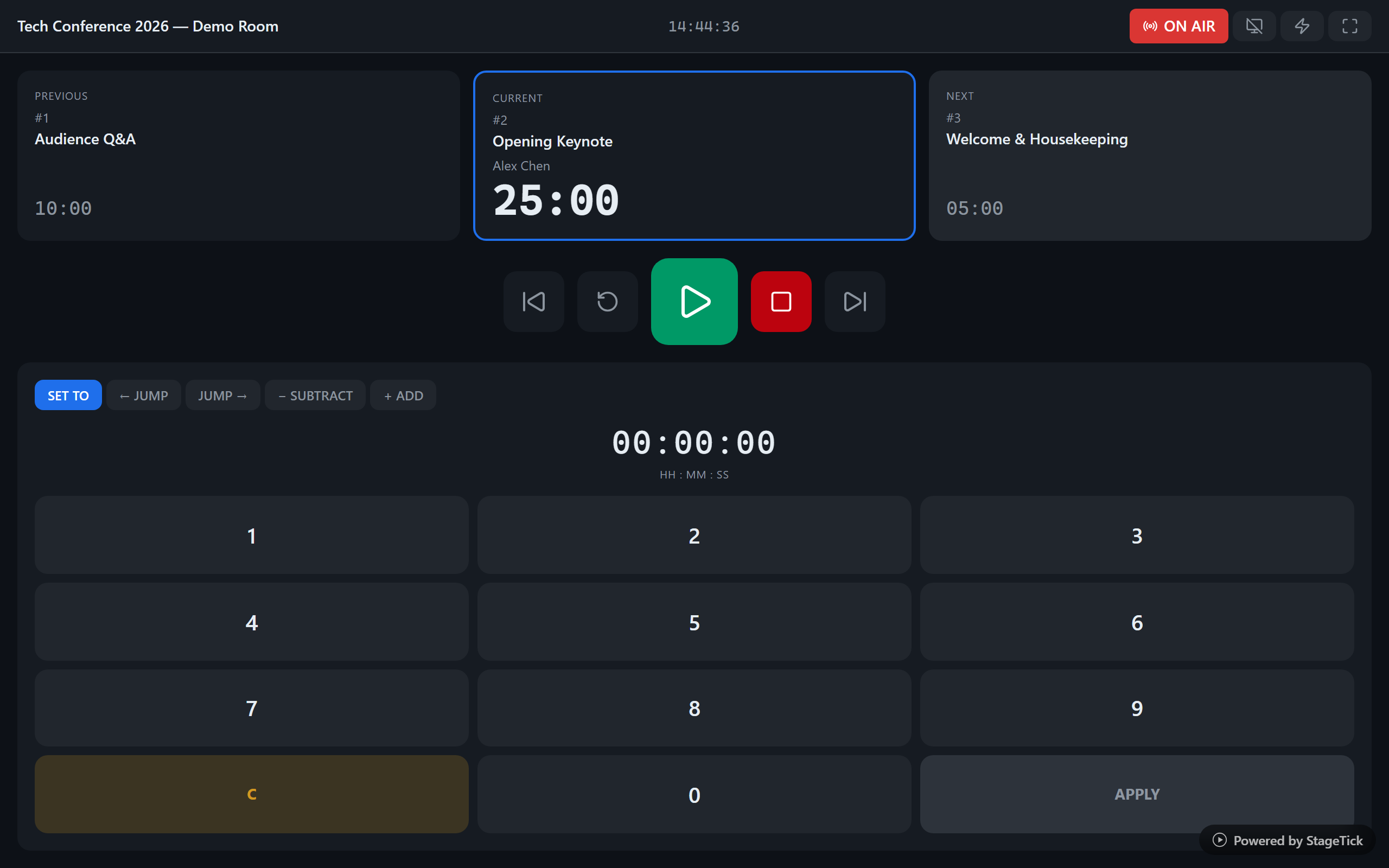
Open the fullscreen view on podium monitors and backstage screens. The operator controls the show from a single device.
Ready to run a flawless ceremony?
Program your entire show in minutes. Keep every speech on time.